Swipeable Portfolios vs. Traditional Galleries
Pixieset is excellent for delivering photos. For showcasing and booking, a swipeable portfolio reduces steps and keeps attention on your best work. Learn more!
Molly Shelestak
Author

You might be missing bookings to multi-step galleries and extra taps—especially on mobile. If you're using a gallery-first setup like Pixieset for browsing, others may be booking faster with swipeable portfolios built around user experience.
Honest take: Pixieset is excellent for delivering photos—and it shines there. For showcasing and booking, a swipeable portfolio reduces steps and keeps attention on your best work. Many photographers keep Pixieset for delivery and pair Outli.ne for discovery and booking. Outli.ne also plays nicely with link-in-bio tools—lots of users add their Linktree or Beacons link in the footer.
Let's break down how swipeable portfolios complement traditional gallery tools and help more visitors become inquiries.
The 3-Second Problem with Traditional Photo Galleries
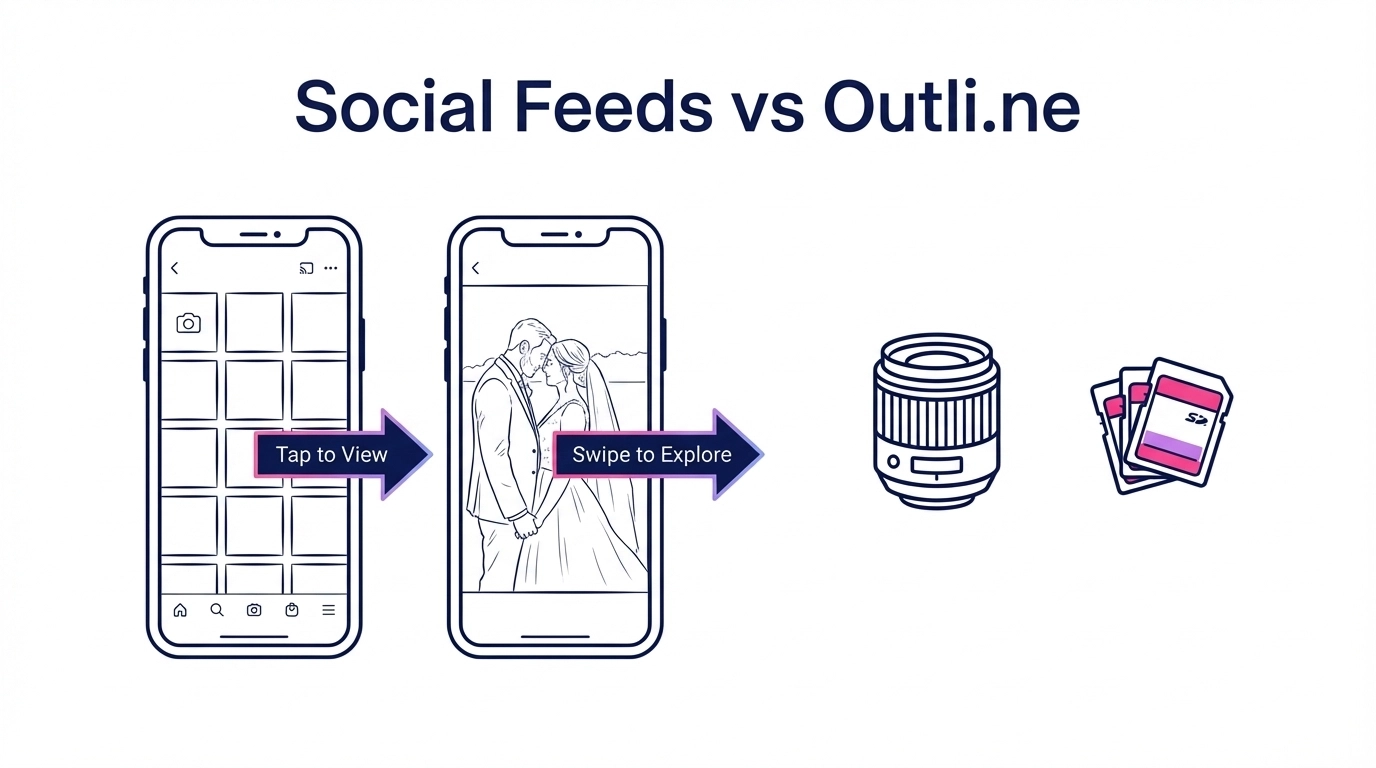
When a bride finds your Instagram and clicks your link, she's giving you exactly 3 seconds to prove you're worth her time. Pixieset's multi-step galleries, navigation menus, and "click to view more" interfaces add friction right when she's deciding.
The Pixieset experience:
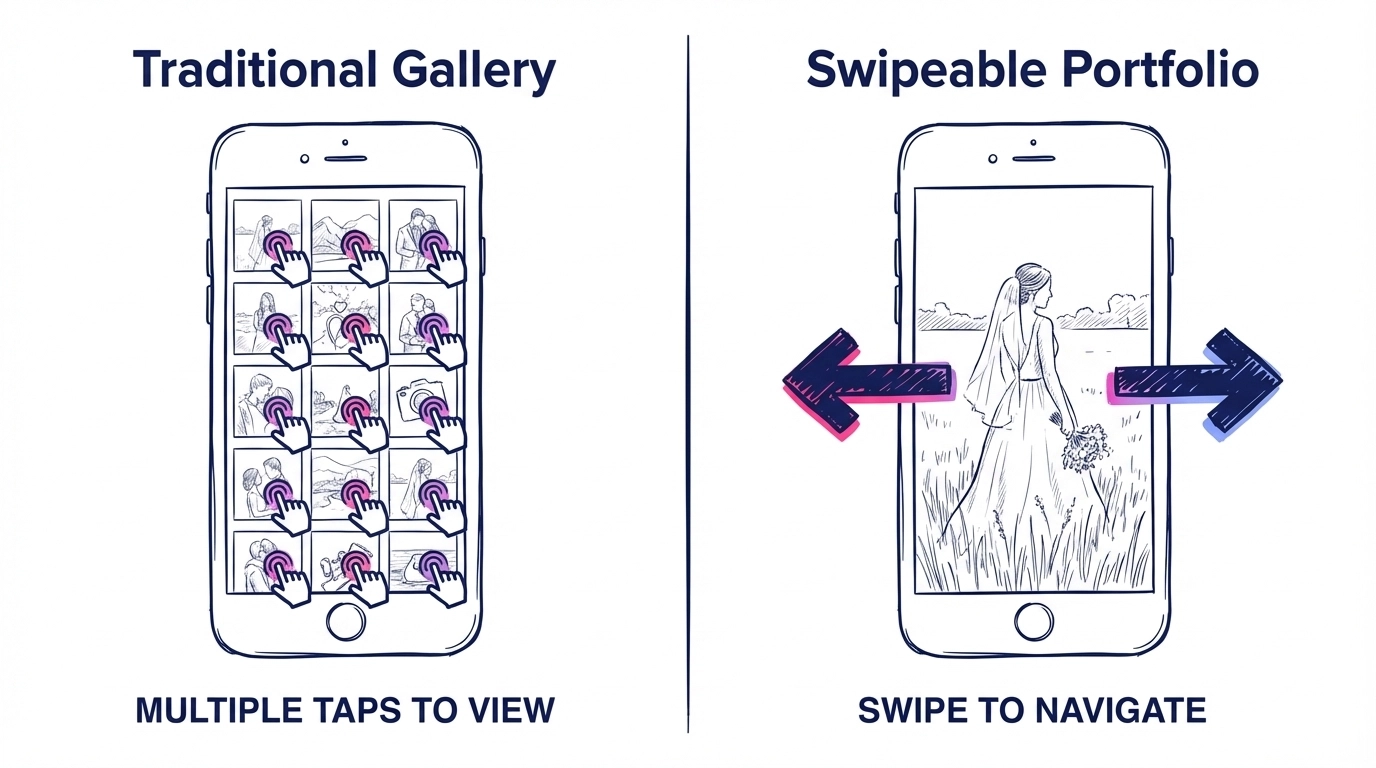
- First view: gallery grid that requires a tap to start
- Steps to see your work: 3-4 clicks minimum
- Client action required: Navigate, sort, filter
- Booking flow: Buried in menus or separate link
The Outline experience:
- First view: images open and are swipe-ready
- Steps to see your work: Swipe immediately
- Client action required: None: just swipe
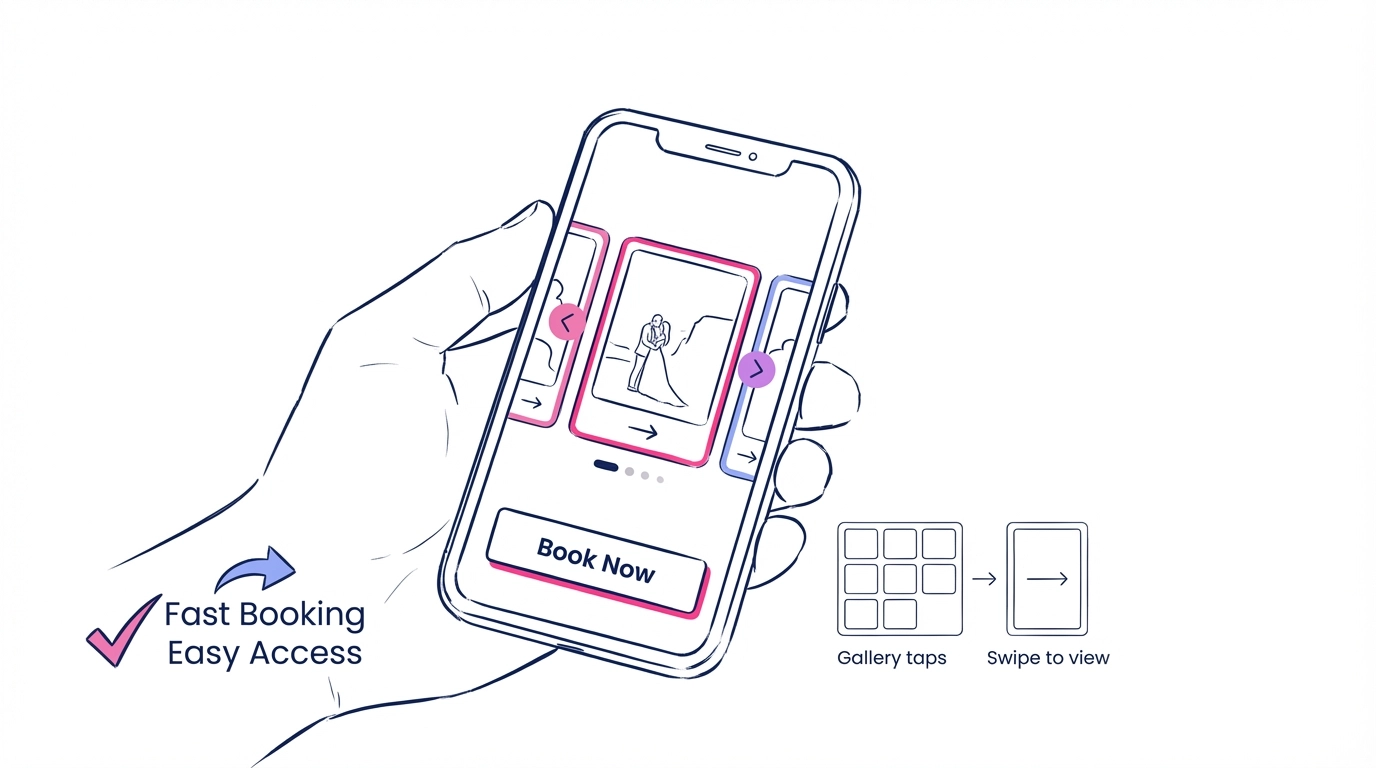
- Booking flow: Contact button stays visible throughout
Your potential clients shouldn't need to figure out how to use your portfolio. They should be too busy looking at your work to notice the interface.
Why "Gallery Thinking" Can Hide Your Best Work
Gallery tools often center your work inside delivery-style galleries. Click here for weddings, click there for portraits, scroll through 47 images to maybe find something they like.
But here's what often happens: your best work can get buried in galleries that few people fully explore.
Outline flips this. Instead of burying your work in categories, you organize everything into swipeable Stacks: each one designed to close a specific type of client.
Traditional Gallery Approach (Pixieset):
- Wedding gallery: 50+ images, chronological order
- Portrait gallery: Mixed lighting, mixed styles
- Client sees: Everything you've ever shot
- Result: Decision fatigue, no clear next step
Stack-Based Approach (Outline):
- "Golden Hour Couples": 8 perfect images
- "Moody Portraits": 6 images showing your signature style
- Client sees: Exactly what they're looking for
- Result: "This is exactly what I want"
Your work should tell a story, not overwhelm with options.
The Mobile Reality Check
61% of photography bookings start on mobile. Pixieset's design starts on desktop. On phones you often see tiny thumbnails, extra taps to reach full-screen, and interfaces that require pinching and zooming.
Mobile experience comparison:
| Feature | Pixieset | Outline |
|---|---|---|
| First interaction | Open a gallery, then tap into images | Start swiping images immediately |
| Navigation | Menu-driven | Swipe-based |
| Image sizing | Small thumbnails | Full-screen viewing |
| Booking flow | Separate page | Integrated contact |
| Mobile optimization | Basic responsive | Mobile-first design |
When your potential client is scrolling through portfolios at 11 PM on her phone, which experience do you think wins the booking?
Setup Time: 3 Hours vs. 15 Minutes
Pixieset can feel like thinking like a web developer. Custom galleries, navigation setup, pricing structures, client access controls. Most photographers spend their first weekend setting up folders and learning the interface.
Outline gets you live in 15 minutes:
- Upload your best work (drag and drop, no galleries to create)
- Organize into Stacks (group by style, not chronology)
- Add your contact info (integrated, not buried)
- Share your link (clean URL, no subdomain confusion)
You're a photographer, not a website administrator. Your time should be spent shooting, not configuring galleries.
The SEO Advantage Your Competitors Are Using
With a Pixieset subdomain, your portfolio typically lives at yourname.pixieset.com. That means the domain authority sits with Pixieset, not your own site.
Outline portfolios get found because they're optimized for local search:
- Clean URLs:
outli.ne/yourname(no subdomain confusion) - Local SEO tags: Your city and services are searchable
- Fast loading: Google prioritizes speed in search rankings
- Mobile-first: Google's mobile-first indexing favors mobile-optimized sites
When someone searches "wedding photographer [your city]," do you want to compete with Pixieset's domain authority or rank on your own merit?

The Booking Flow That Actually Works
In Pixieset, contact forms can be tucked into menus—separate pages or generic inquiry forms that don't capture what clients actually need to know.
Outline integrates your contact flow into the viewing experience. While they're swiping through your work, your contact button is always visible. No hunting, no separate pages, no friction.
The psychology difference:
- Pixieset: "I like their work, now where do I contact them?"
- Outline: "I love this photo: let me book them right now"
That split-second difference between inspiration and action is where bookings are won or lost.
Cost Reality: What You're Actually Paying For
Pixieset pricing breakdown:
- Basic plan: $8/month (limited galleries)
- Pro plan: $16/month (unlimited galleries; same multi-step viewing experience)
- Advanced plan: $24/month (all features)
- Annual commitment required for best pricing
What you're paying for: Photo storage with portfolio functionality
Outline pricing:
- $4/month (annual)
- All features included
- Unlimited Stacks and images
What you're paying for: A conversion-optimized booking tool that happens to showcase your work perfectly.
One wedding booking pays for 25 months of Outline. How many bookings is your current portfolio actually generating?
Making the Switch: What Photographers Are Saying
"I moved from Pixieset to Outline and booked three weddings in my first month. The swipeable format just works better for how people browse on their phones." : Sarah Chen, Wedding Photographer
"My inquiry rate doubled when I switched. Turns out, making it easier for people to contact you actually works." : Marcus Rodriguez, Portrait Photographer
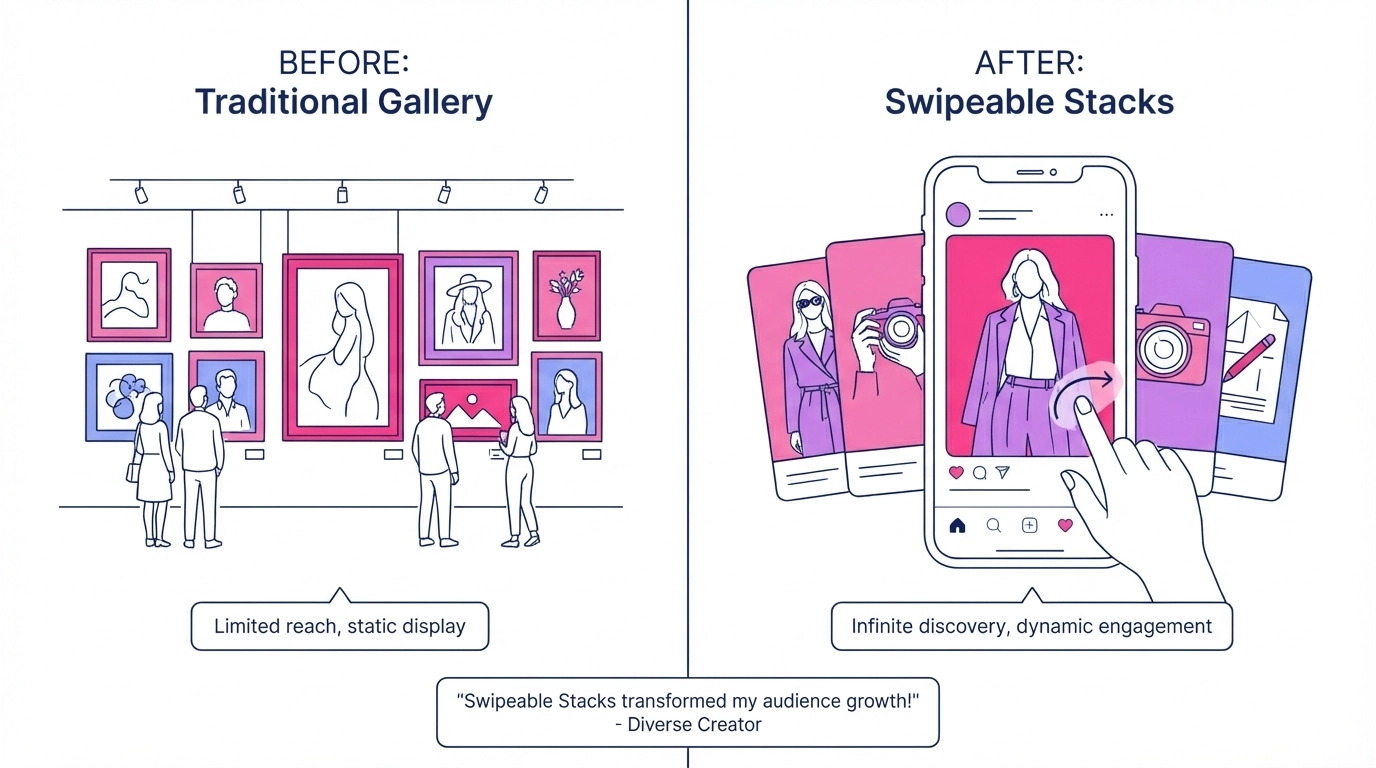
The numbers don't lie. When photographers optimize for how clients actually browse and book, their business grows.
Your Portfolio Should Work as Hard as You Do
Photography is competitive enough—use tools designed for 2026 and beyond. Your potential clients are mobile-first, attention-span-short, and decision-ready.
Pixieset set the standard in 2015. Client expectations have evolved. They want instant access to your best work, clear pricing, and seamless booking.
The choice is simple:
- Keep using a photo storage system that happens to show portfolios
- Or switch to a booking tool that happens to showcase your work perfectly
Your competition is already making the switch. The question is: how many bookings are you willing to lose while you figure it out?
Ready to Turn Browsers into Bookings?
The best portfolio builder for photographers isn't the one with the most features: it's the one that gets you booked. See why photographers are choosing Outline over traditional gallery platforms.
Build your swipeable portfolio in 15 minutes →
Your work deserves better than being buried in galleries. Show it the way clients want to see it.
Ready to Transform Your Online Presence?
Join thousands of creative professionals who've switched to Outli.ne and started booking more clients.
Get Started FreeEnjoyed this article?
Share it with others who might find it helpful
More in Profile Optimization

Outli.ne vs. Squarespace: Choosing the Right Tool for Your Visual Portfolio
While you're spending three weeks wrestling with templates, your competition just launched their portfolio in 15 minutes and started booking. Learn how

Linktree vs Portfolio Websites: Which Actually Books You More Clients?
Every day, thousands of talented photographers, tattoo artists, and makeup artists send potential clients to a Linktree page or a portfolio. Learn what books!

Simplifying Your Site: Why Less is More for Visual Creators
The most successful creatives aren't drowning in options: they're focused on sending clients a clean page with their best work and a clear CTA. Learn how!